
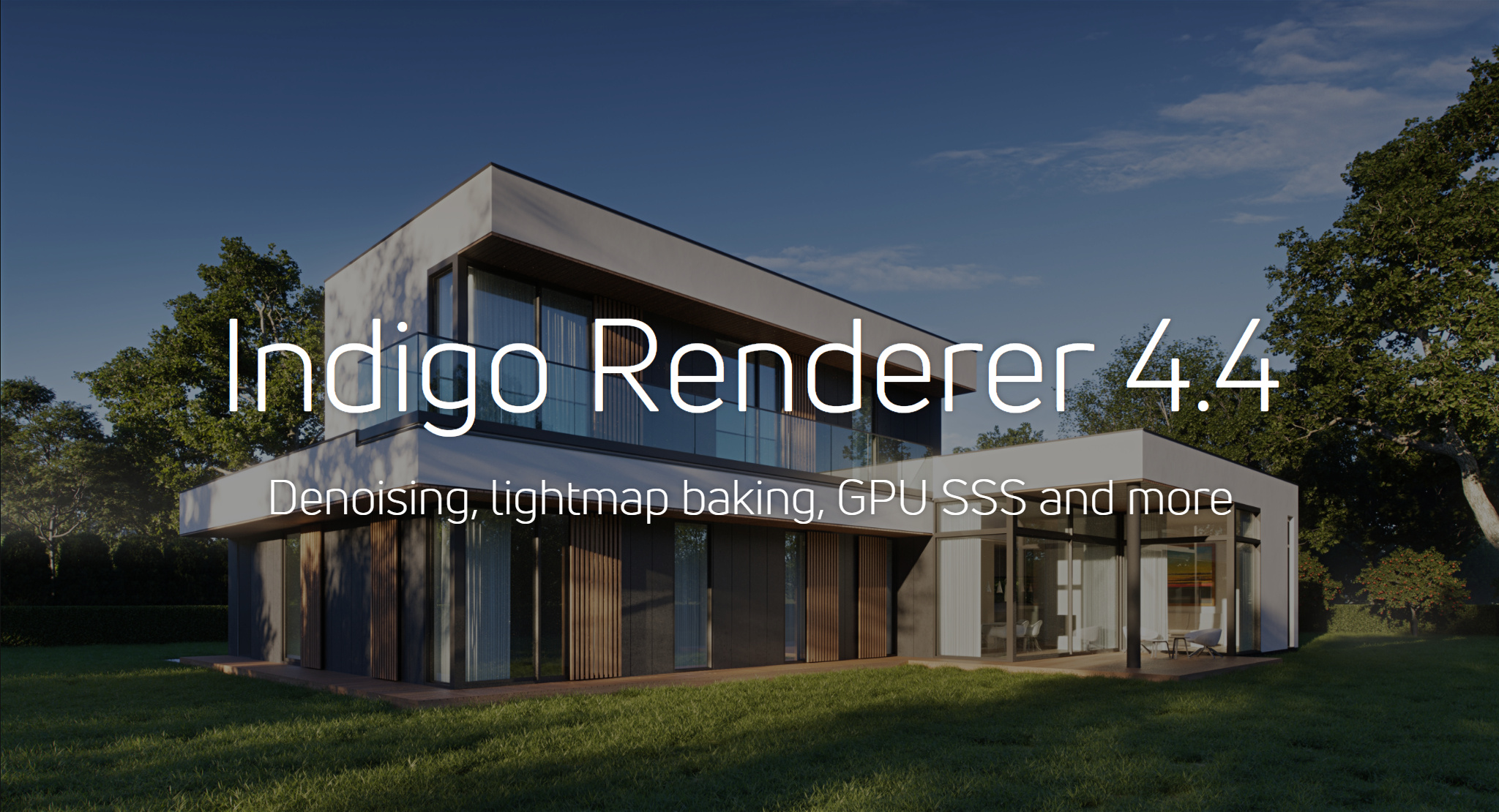
Indigo Renderer is an unbiased, photorealistic GPU and CPU renderer aimed at ultimate image quality, by accurately simulating the physics of light.
State of the art rendering performance, materials and cameras models - it's all made simple through an interactive, photographic approach
with few abstract settings, letting you concentrate on lighting and composing your imagery.
Indigo Renderer 4.4
We are proud to announce the official release of Indigo Renderer 4.4.
Indigo 4.4 brings denoising, a fabric material, GPU SSS, lightmap baking and more.
What's new in Indigo 4?
Brand new multi-GPU engine
Indigo's OpenCL-based GPU engine provides industry leading performance on Nvidia and AMD graphics cards. With a single modern GPU, it's approximately 10x faster than before. Simply add more GPUs and get the horsepower to quickly render incredible 4K images and animations.READ MORE
Workflow & UI enhancements
A dark UI mode. Interactive material previews and light layer thumbnails. RGB colour curves and snappy trackball navigation.These are just some of the new features making Indigo 4 the most streamlined and enjoyable version yet.
READ MORE
And a lot more ...
Fast SSS
Material preview
RGB colour curves
Interactive multi-region rendering
Light Layer thumbnails
Faster CPU Rendering
Queue override settings
Adaptive resolution
Contribution clamping
Trackball navigation
Filmic tonemapping
Measured BRDF support
Interactive aperture controls
Faster tonemapping
Pixel info picker
Adjustable light sampling
OpenEXR output settings
Improved MLT rendering
Optimised material models
Faster subdiv & displacement





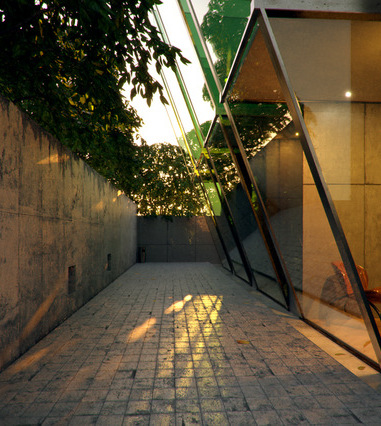

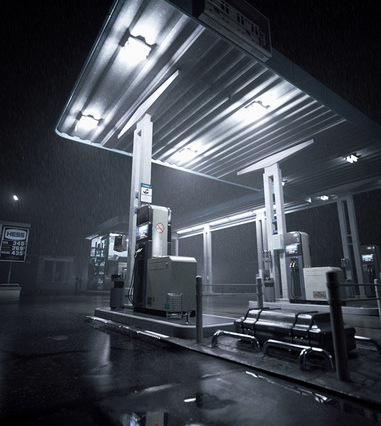
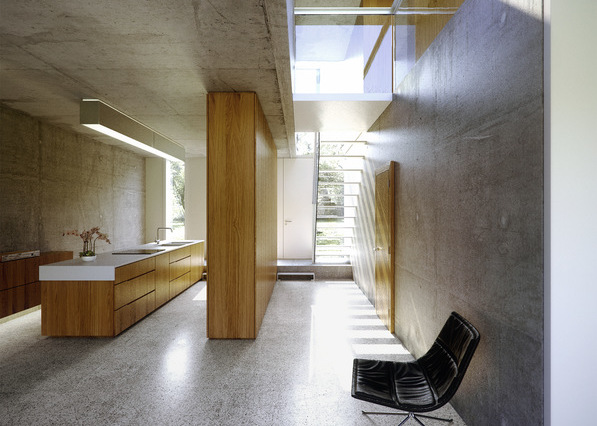
The rendering quality is awesome, and it's so fast than I can set up scene lighting with our technical art director about seven times faster than with our other render engineMateusz Sroka, Platige Image
Indigo is usually my go-to renderer: it handles massive scenes very well. It loads fast, it's reliable, doesn't crash and produces beautiful resultsTom Svilans, architect
Featured
"We simply love the lighting and the realistic look. Without the need of tweaking and faking light situations or GI render settings, Indigo simply renders it as it is... and so we can fully concentrate on color grading and subtle post production. Almost like you would do it with real filmed footage."
- David Gudelius, Senior CGI Artist
READ MORE
- David Gudelius, Senior CGI Artist
READ MORE
"... 35K objects, 201 million polygons, 804 light sources and hundreds of materials. Indigo crunched through this data without issues and allowed a workflow with quick previews and great output quality without tweaking 1001 settings like in some other renderers. With this reliability I could focus on content creation and tweaking material in the project."
- Arthur Liebnau, Freelance CGI artist
READ MORE
- Arthur Liebnau, Freelance CGI artist
READ MORE
News

Price raise to 595€ from 1st of February
As from February 1st, Indigo 2 will cost 595€ and node licences will cost 195€. This price rise reflects the continued development of Indigo and the new documentation, user interface improvements since Indigos commercial release. If you are keen to lock in Indigo 2 at the current price of 295€...
READ MOREOriginal Indigo 0.01 render
We were looking through some old renders created using Indigo renderer back in 2005. This one in particular shows how far we've come in the past 4 years:
READ MOREFantastic render by StompinTom
This fantastic render was done by StompinTom. He mentions using Indigos realtime tonemapping to export the image at three different exposure levels, and then blending between the images in photoshop to give a dodge/burn effect such that professional photographers sometimes do.
READ MOREAll Indigo Lifetime Licences sold
Hi Everyone,
I'm pleased to announce that all Indigo Lifetime licences have been sold.
Much thanks to everyone who helped support Glare Technologies by purchasing an Indigo lifetime licence, and we hope you will enjoy being one of the 'Indigo 100'.
READ MORE
Tutorial Using IES lights in Indigo
Joel, our documentation author has made an introduction to IES lighting in Indigo. Click through to find out more about adding some drama to your scene with nice lighting profiles.
READ MORE