Page 1 of 1
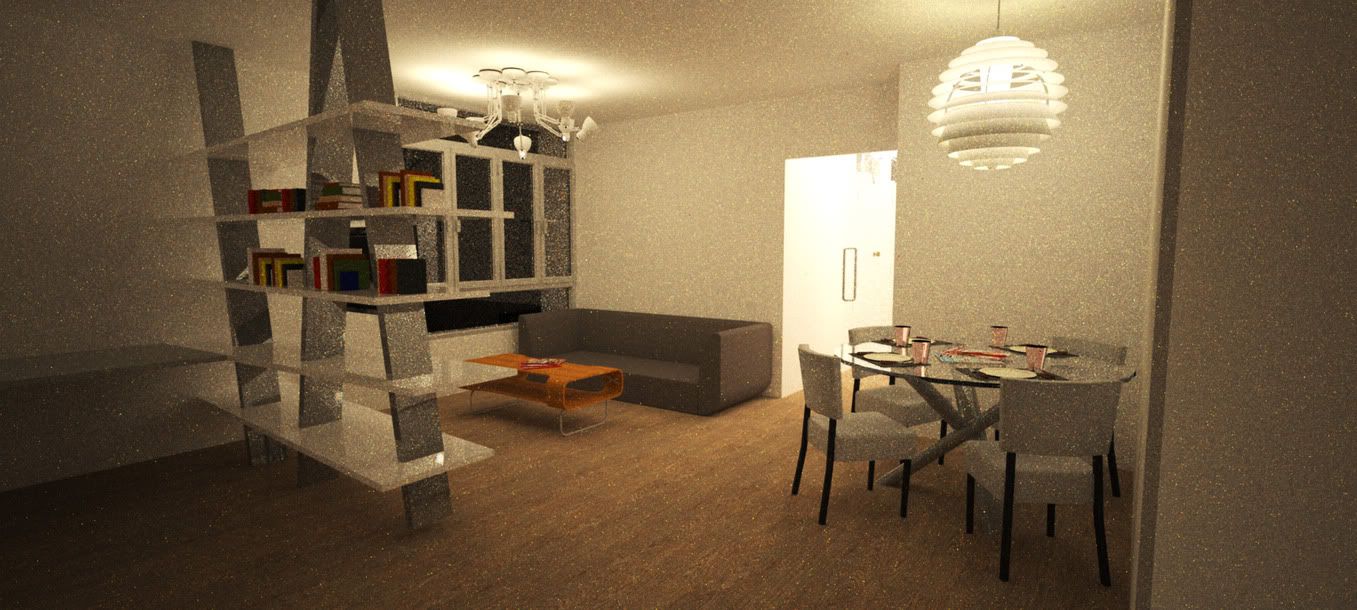
it was rendered over 10hours, also have a lot of noise
Posted: Mon May 24, 2010 5:35 am
by jason6256347
Please help me.......

My System:
Q6600(overclock to 2.88Ghz)
RAM: 4GB 1066
ATI 3870 1GBRAM
Windows 7 32 bit ultimate
Here are the sample
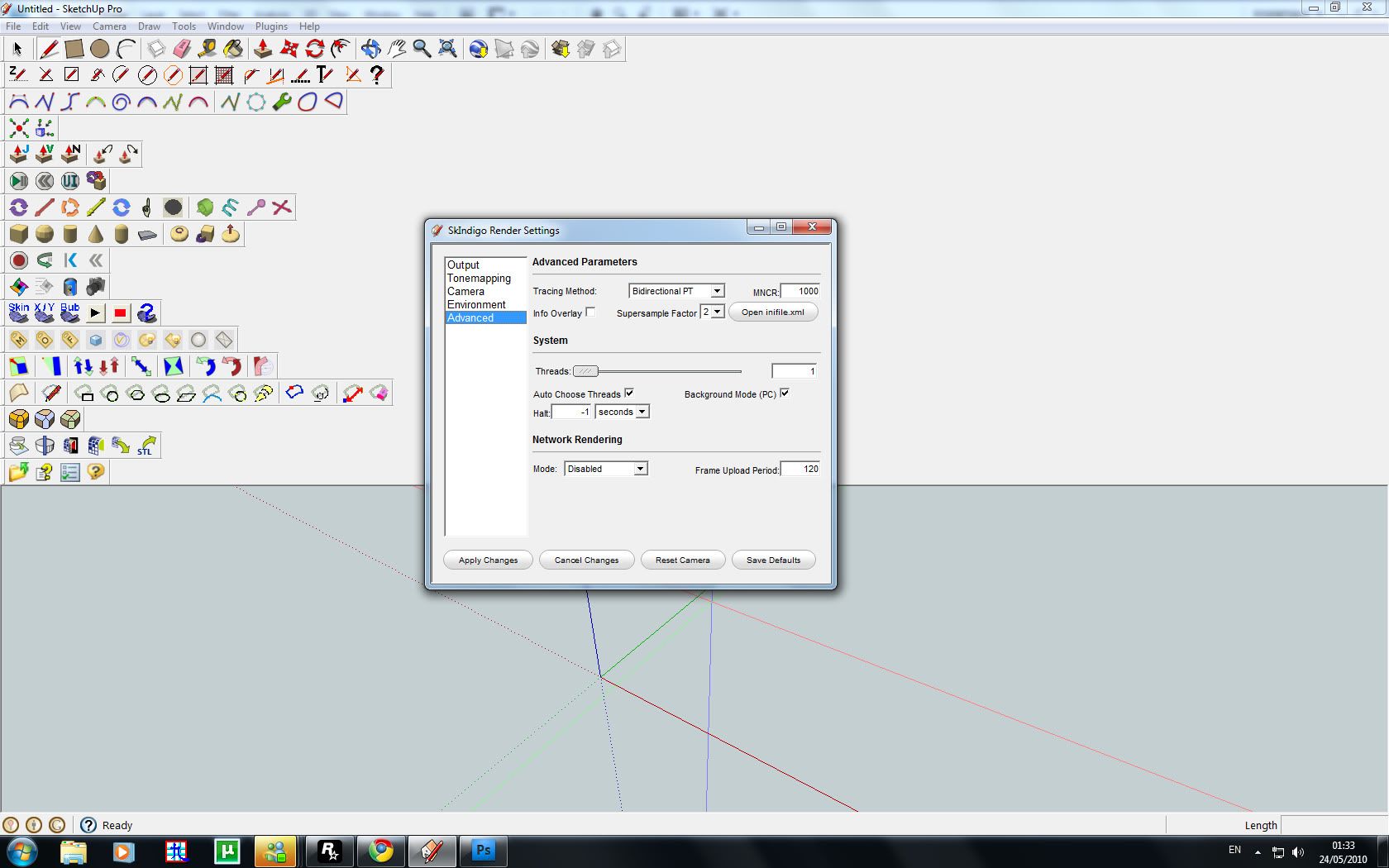
my setting screenshot
Please help me
Thanks a lot

Re: it was rendered over 10hours, also have a lot of noise
Posted: Mon May 24, 2010 9:07 am
by PureSpider
The single most best advice:
Use exit portals!
I bet lots of light is sampled outside your windows where it isn't needed at all.
Re: it was rendered over 10hours, also have a lot of noise
Posted: Mon May 24, 2010 10:04 am
by Borgleader
PureSpider wrote:The single most best advice:
Use exit portals!
I bet lots of light is sampled outside your windows where it isn't needed at all.
Maybe replacing Bidir with something else might help?
Re: it was rendered over 10hours, also have a lot of noise
Posted: Mon May 24, 2010 1:52 pm
by lycium
Try using supersampling factor 3, and using MLT bidirectional. I'm not sure exit portals will be useful in this scene, since there isn't much (any?) light coming in from the windows, and making portals over the light sources would be quite difficult and tedious, perhaps taking longer than the extra rendering time required to clear up the image

Re: it was rendered over 10hours, also have a lot of noise
Posted: Mon May 24, 2010 11:42 pm
by Zom-B
A quick FAQ about "why is my render so slow" is really needed!
Also try to set your walls color to max of 80% white (204RGB)... keep this max. also for colored materials!
MLT+BIDir should do the rest in speeding up this scenario ;.)
Re: it was rendered over 10hours, also have a lot of noise
Posted: Tue May 25, 2010 4:25 am
by jason6256347
thanks are lot for all replies!!!!
I will try that setting ^^
Thanks a lot
Re: it was rendered over 10hours, also have a lot of noise
Posted: Wed May 26, 2010 2:54 am
by jason6256347
Thanks all
Here are the latest render, It was used 7 hours
Used Bidirectional MLT and supersampling factor 3 and 80% white wall.
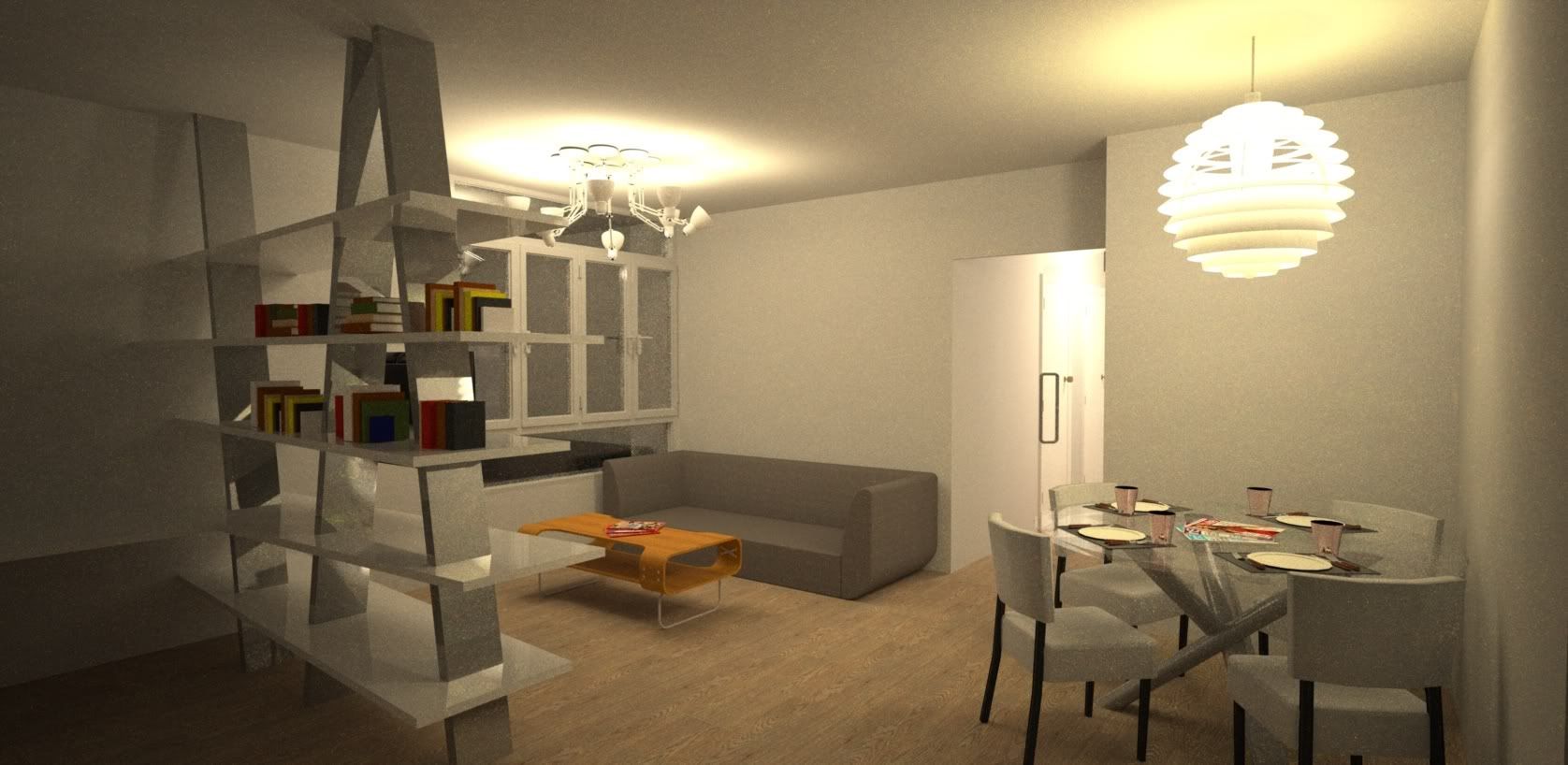
hehe....

May I know any method to make it more quickly?
Re: it was rendered over 10hours, also have a lot of noise
Posted: Wed May 26, 2010 3:20 am
by Zom-B
jason6256347 wrote:hehe....
May I know any method to make it more quickly?
yes: wait for the next release

Glare promissed a lot of Speed improvements + GPU support.
Even if your GPU don't support OpenCL, you should benefit from other optimizations a lot anyway
Re: it was rendered over 10hours, also have a lot of noise
Posted: Wed May 26, 2010 3:55 am
by jason6256347
My display card is support OpenGL 3.0
I was saw your portfolio, it is amazing.

Thanks for ur teaching. May I konw, How many hours and computer to rend that toy car animation?
Just Use the imac and The AMD?
Re: it was rendered over 10hours, also have a lot of noise
Posted: Wed May 26, 2010 4:19 am
by Zom-B
Hmm... I thought only ATI 4xxx Cards and up support OpenCL, I should investigate... since I have a 3750
Thanks for the kind words about my Portfolio, still not so much pro stuff -.-
The Animation is a C4D testscene, so no glory for me about doing more then the Indigo materials setup etc.
http://www.indigorenderer.com/forum/vie ... f=4&t=6227
The Toon Car took Animation was done "loooong time ago" in Indigo 1.1.18, rendered on a 2x2.2Ghz Amd+2x2.8 iMac took 15 a frame, and my pro helped sometimes with his Q6600 to bring frame render time down to 10min! Some smart temporal denoising helped here a lot, to get rid of the noise!
I attached a image without denoising, so you can see how much you can gain from denoising
I updated the animation to do MotionBlur, but Cindigo hast some problems regarding this, so I have to wait until rerender this animation! Can't wait to render this one with next 2.4.4 release, I'm sure I can get down to 5min per frame with my both machines
Enough OT from me -.-'
Regarding denoising its always a nice technique to render some Mask out of your 3D app for uniform objects, like the walls for example, and then denoise them separately harder then the rest of the scene....
Re: it was rendered over 10hours, also have a lot of noise
Posted: Wed May 26, 2010 4:35 am
by jason6256347
so fast 5 mins per frame?

May I know what is the different between opencl and opengl?
Re: it was rendered over 10hours, also have a lot of noise
Posted: Wed May 26, 2010 11:57 am
by Zom-B
The 5min per frame are only guessed by me, also regarding my "new" rig (see signature!)
From Indigo 1.1.18 to 2.2.3 was a big Speed jump too, don't forget this!!
Wikipedia wrote:OpenGL (Open Graphics Library) is a standard specification defining a cross-language, cross-platform API for writing applications that produce 2D and 3D computer graphics. The interface consists of over 250 different function calls which can be used to draw complex three-dimensional scenes from simple primitives.
Wikipedia wrote:OpenCL (Open Computing Language) is a framework for writing programs that execute across heterogeneous platforms consisting of CPUs, GPUs, and other processors. OpenCL includes a language (based on C99) for writing kernels (functions that execute on OpenCL devices), plus APIs that are used to define and then control the platforms.
Basically OpenCL is a coding Framework, that makes it possible to let your GPU process Code more flexible like C++, and do awesome computed stuff, like Light Transport for example.
Re: it was rendered over 10hours, also have a lot of noise
Posted: Thu May 27, 2010 12:28 am
by jason6256347
WOW!!!
Thanks for your teaching
Haha ! Let me plan to upgrade to 5870
