Page 1 of 1
NEW Member here ..looking to learn
Posted: Thu Feb 19, 2009 10:47 am
by DonZ
Hi guys & girls,
Im a new member and just found out about this indigo render 3 days ago LOL thru a website associates with blender.
I always using 3dMax + Vray / mental ray or sometimes artlantis ...but i suddenly found out about this indigo render and now skindigo.
I tried to do some testing or basic rendering with some of the tuts here, but when i search about indigo more, its actually dont have any button to control it at all..
Only the skindigo plugin has all the button to control it. Is it just tweeking the skindigo in sketchup u can produce all the realistic rendering like in the Gallery ??
here a few samples of my noob rendering ..
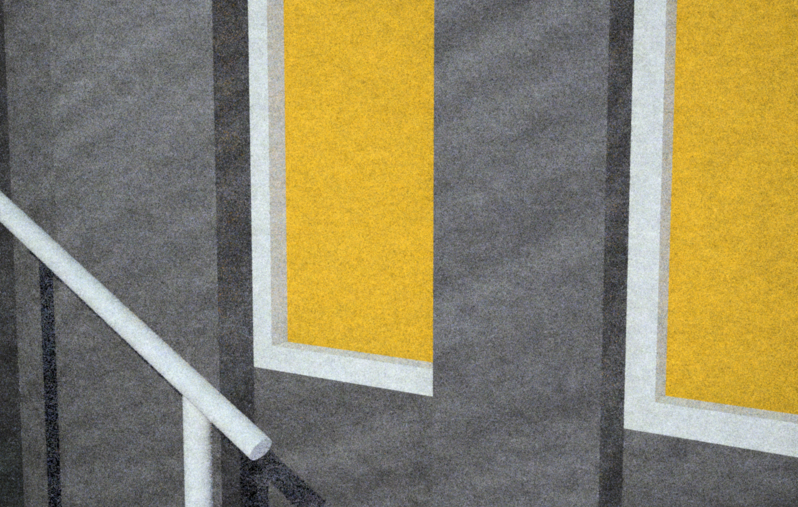
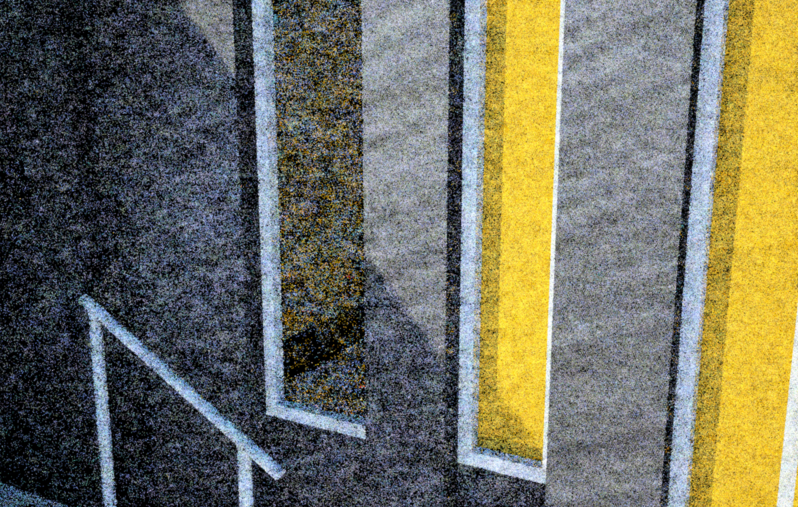
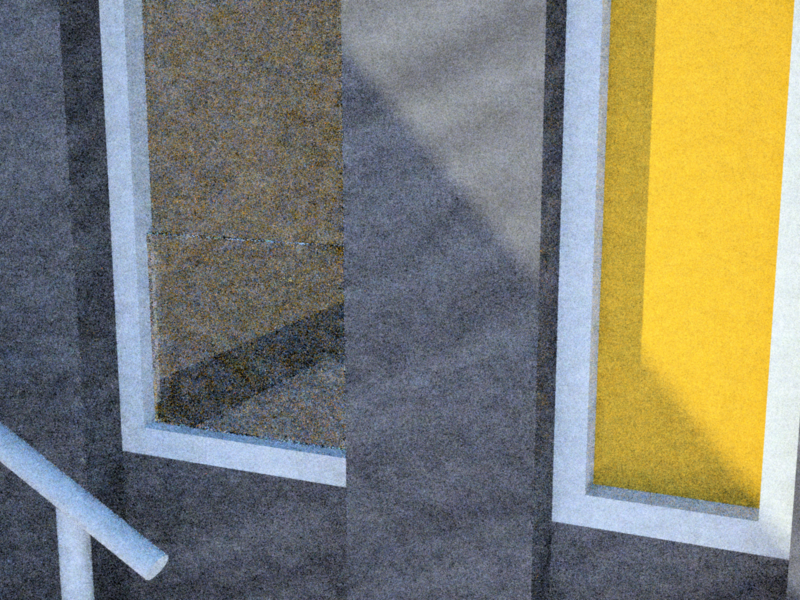
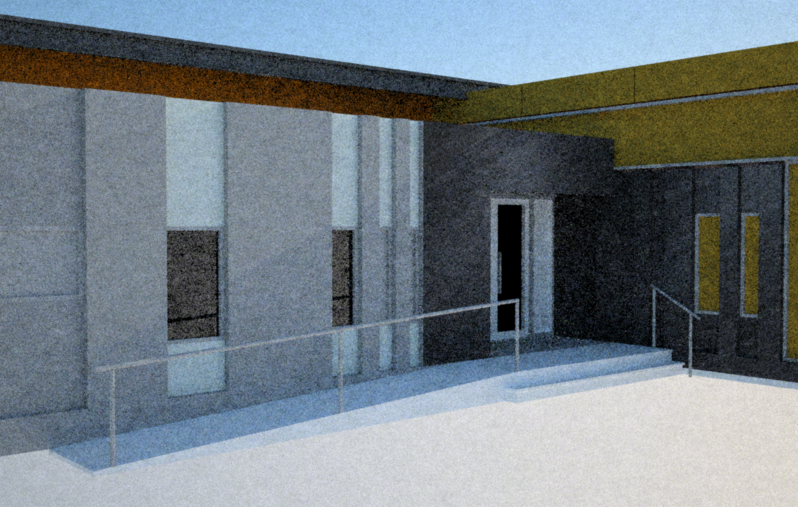
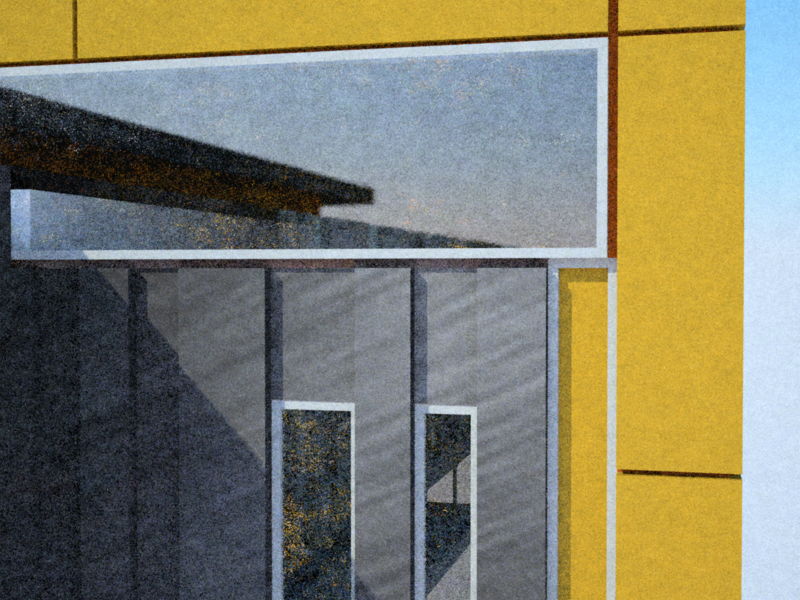
[/img]
Posted: Thu Feb 19, 2009 11:18 am
by Pibuz
Hi DonZ! Glad you joined the SkIndigo community!!!!
Well, to be honest, you're right: SkIndigo really lacks some specific tutorials on how to achieve good results with this excellent render engine and plugin.
I admit I always wanted to do some, but I've been somehow disappointed by the low-profile response to the first part of my FAQ (you'll find it under WIP section, you could find it a bit useful).. I'm trying to get it over by learning a little more on my own about the latest SkIndigo release and its load of new features

Yes, you can really produce high quality images through the simple use of SkIndigo (Indigo - the main engine core - is not GUI-tweakable), but the images you see in the gallery aren't produced all with SkIndigo: you know that Indigo has 8/9 exporters at the moment
I hope you'll find yourself comfortable using Indigo and SkIndigo. Have a funny journey in the CG world!
Posted: Thu Feb 19, 2009 11:49 am
by crojack
Pibuz, I was looking forward to your FAQ!!!!
DonZ, welcome, there is a new tut stickied in this forum, Skindigo 1.1.6. That has good information in it. The best way to sue Indigo is to have a good grasp of the app you are using to model. So, if it's Sketchup than you are here, just remember to keep the faces oriented correctly and start with the presets and tweak from there.
Have fun!
Posted: Fri Feb 20, 2009 6:29 am
by neo0.
Skindigo has some documental, unfortunately indigo is lacking in the department. The best way to learn is to play around. Download materials from the DB and see how they were done.
Posted: Fri Feb 20, 2009 10:37 am
by DonZ
Thanks guys,
I would definitely will have a look around of some of the FAQ if not all. time is soo consuming down this end..LOL alot more to learn at the same time working non stop during this recession time .

I will definitely ask around if i need more help, if there anything that i dont know about.
in the meantime, if you guys wanna see some of my previous or current work, please visit my site (temporarily ) at
www.myinkvivo.com
im excited to join this open source community
Posted: Fri Feb 20, 2009 10:48 am
by Zom-B
DonZ wrote:im excited to join this open source community
oh oh...
Posted: Fri Feb 20, 2009 5:46 pm
by kellpossible
Posted: Sat Feb 21, 2009 4:10 am
by CTZn
Zom-B meant Indigo is free to use, but not open-source. Its development is a rather secret process, so is it for Sketchup, none of them is open-source
Nonetheless you are welcome, DonZ !